Pro Tips
- Write each email as if you are talking to one person
- Use one clear button per email
- Test subject lines on a small group first
- Review your flows every quarter with fresh numbers
Email is one of the few channels you own. You do not pay for every click, and a good flow keeps working after you log off. This guide shows you how to set up Shopify email flows, a welcome series that earns trust, and simple automations that bring customers back, all in plain language.
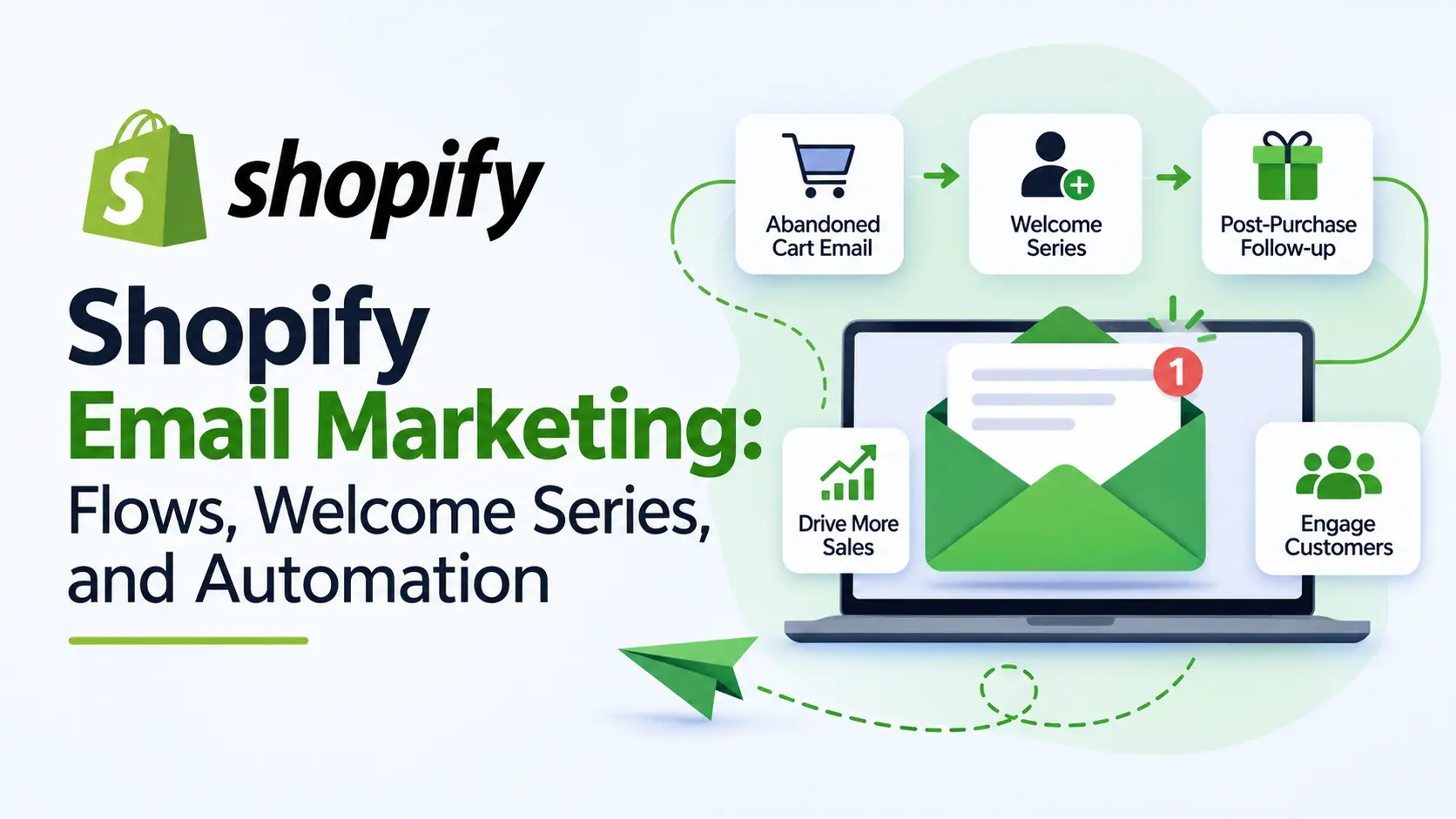
Think about the people who signed up for your emails last month. Some of them loved what they saw. Some forgot about you by the next day. A good email setup treats both groups differently, without you having to send every message by hand.
That is what flows do. They send the right email at the right moment, based on what a customer did. Let's set them up step by step.
You do not need a marketing degree for this. You need a few clear emails, a few triggers, and a habit of checking the numbers once a month.
A flow is a set of emails that runs on its own. Every flow has three parts: a trigger (what starts it), a wait (how long to pause), and an email (what to send). Here is a simple example.
You do not need twenty automations on day one. These five cover most of the revenue that email can bring in.
The abandoned checkout flow is the fourth. We cover it in depth in our abandoned cart recovery guide, so you can follow those steps alongside this one.
The welcome series is the most valuable flow you will build. New subscribers are interested right now, so the first week matters. Here is a simple four-email plan you can copy.
| When | What it does | |
|---|---|---|
| Right away | Welcome | Says thank you, sets expectations, and tells them how often you email |
| Day 2 | Best sellers | Shows your top products and the reason people love them |
| Day 4 | Story and proof | Shares who you are, plus a real customer review or photo |
| Day 7 | Gentle offer | Gives a clear reason to buy, with a real end date if you use a code |
Welcome email, day 0 (plain example you can adapt)

Subject: Welcome, we are glad you are here

Hi {{ first_name }},

Thanks for joining us. Here is what to expect: one email a week,
new arrivals first, and no spam. If you have a question about sizing
or delivery, just reply to this email. A real person reads it.

Shop our best sellers: {{ store_url }}

Warmly,
{{ store_name }} team
A short, personal welcome often beats a long brand story. Replace the placeholders with your store's dynamic tags.
The exact menu names can change, so check your admin. The steps are the same in principle:
Go to the Shopify admin, open Shopify Email, and choose the automation or flow templates.
Choose the event, such as a new subscriber or a paid order. Keep it simple at first.
Set the gap between emails. Two to three days is a good start for a welcome flow.
Send a test to yourself on a phone and a desktop. Check links, images, and the unsubscribe link.
Activate the flow once it looks right, then watch the first week of results.
When you need rules, such as "skip this email if they already bought," use Shopify Flow or the flow's built-in conditions.
Not everyone should get the same message. A first-time buyer and a loyal customer need different emails. Start with three simple groups:
Email only works when people want it. Sending to contacts who never opted in hurts your sender reputation, and it can break the rules in your market. Keep it simple:
Open rates are less reliable now, because some privacy features show opens even when nobody read the email. Focus on numbers that tie to money:
Check these once a month. If a flow earns less than it should, change the subject line or the offer first, then the timing.
Email works best when your store and tracking are in good shape. These guides help with the rest:
Want a welcome series and flows that match your brand? Our Shopify experts can build and test them for you.
Get Free Quote
Work with expert Shopify developers to grow your eCommerce business faster