Shrink image file size up to 90% — batch compress JPG, PNG & WebP instantly
Upload multiple images, adjust quality and format, and compress instantly in your browser. Compare before/after size for every file and download all results together as a zip — no upload to any server, ever.
100% free
Batch compress
Nothing uploaded
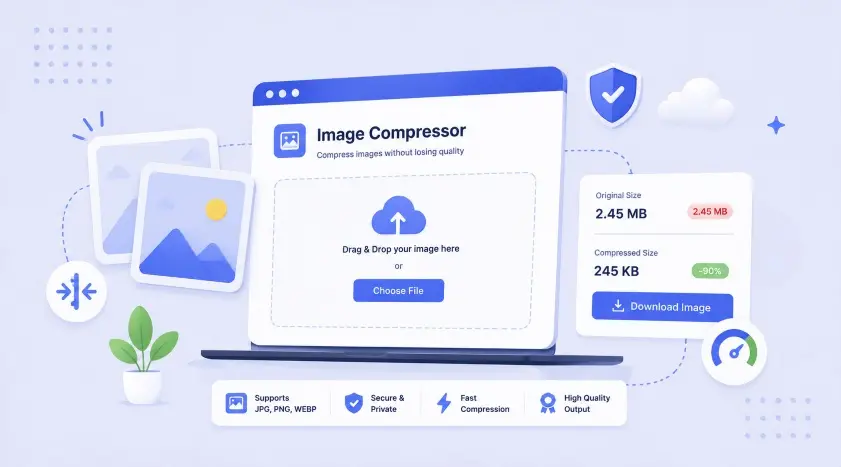
Click to upload or drag images here — JPG, PNG, WebP (multiple files supported)
Large images are the #1 cause of slow-loading websites and Shopify stores
Uncompressed photos straight from a phone or camera are often 3-10MB — far larger than needed for web display. Every extra megabyte adds load time, which directly hurts Core Web Vitals scores, SEO rankings, and conversion rates on eCommerce sites. Compressing images before upload can cut file sizes by 50-90% with no visible quality difference, since most of the removed data is redundant detail the human eye can't perceive at normal viewing sizes.
This tool compresses images entirely in your browser using the HTML5 Canvas API — files are never uploaded to a server, so processing is instant and your images stay completely private.
| Format | Best For | Transparency | Typical File Size |
|---|---|---|---|
| JPG | Photos, product images, banners | No | Small — good for photos |
| PNG | Logos, icons, screenshots with text | Yes | Larger — best for flat colors/text |
| WebP | Everything — modern replacement for both | Yes | Smallest — 25-35% smaller than JPG/PNG |
This range typically cuts file size in half or more with no perceptible quality loss for most photos. Going below 60% starts introducing visible compression artifacts.
If your image displays at 800px wide on your site, there's no benefit to keeping it at 4000px. Use the Max Width option to resize first — it reduces file size far more than quality adjustment alone.
WebP is supported by every modern browser and typically produces 25-35% smaller files than JPG or PNG at equal visual quality — an easy win for site speed.
Product images are usually the heaviest assets on an eCommerce page. Compressing them directly improves PageSpeed scores, mobile load time, and search ranking.
Compress your entire product photo folder at once instead of one-by-one — this tool supports multiple files in a single pass with consistent settings.
Check compressed images at actual display size before replacing originals — this catches over-compression on images with fine detail or gradients.
Codify Infotech handles image optimization, lazy-loading, and full Core Web Vitals fixes for Shopify stores
Convert any image into a complete favicon package — ICO, PNG, Apple & Android icons.
👉 Generate Favicon Now6-in-1 percentage calculator — increase, decrease, reverse % and more.
👉 Calculate NowCreate custom QR codes for URLs, WiFi, vCards, email & more.
👉 Generate QR Code NowWork with expert Shopify developers to grow your eCommerce business faster