s

Shopify Speed Optimization Guide
Increase Store Speed & Conversions

Speed is critical for both user experience and sales—this guide shows how to optimize your Shopify store for faster loading and better performance.

Shopify Speed Optimization Guide: Increase Store Speed & Conversions

Why Speed matters?

A 1+second delay in your store load time can lead to 7% less conversitions and 11% fewer page views.

Introduction

Site speed is one of the most important factors for your Shopify store. A fast-loading store not only provides a better user experience but also helps you rank higher on Google and boost your sales.

In this guide, we'll walk you through proven strategies to optimize your Shopify store speed and improve performance.

1. Optimize Your Images

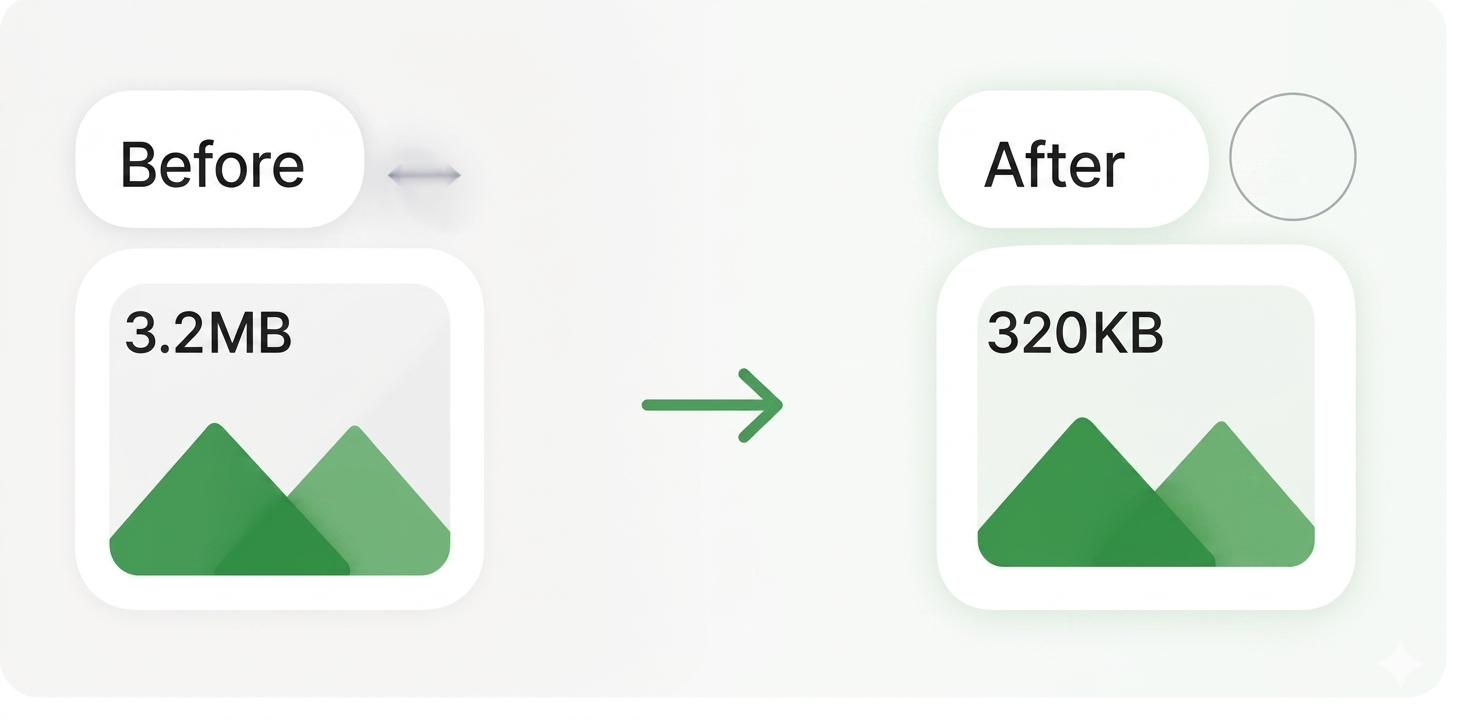
Images are often the biggest reason for slow-loading stores.
Follow these tips:

  • Use high-quality images but compress them before uploading.
  • Use WebP format for better compression.
  • Use Shopify apps like TinyIMG or Image Optimizer.
Use Shopify apps like TinyIMG or Image Optimizer

2. Choose a Lightweight Theme

Heavy themes with too many features can slow down your store

  • Use a fast and optimized theme like Dawn.
  • Avoid unnecessary animations and excessive design elements.
  • Keep your theme and apps up to date.
Keep your theme and apps up to date

3. Optimize Your Apps

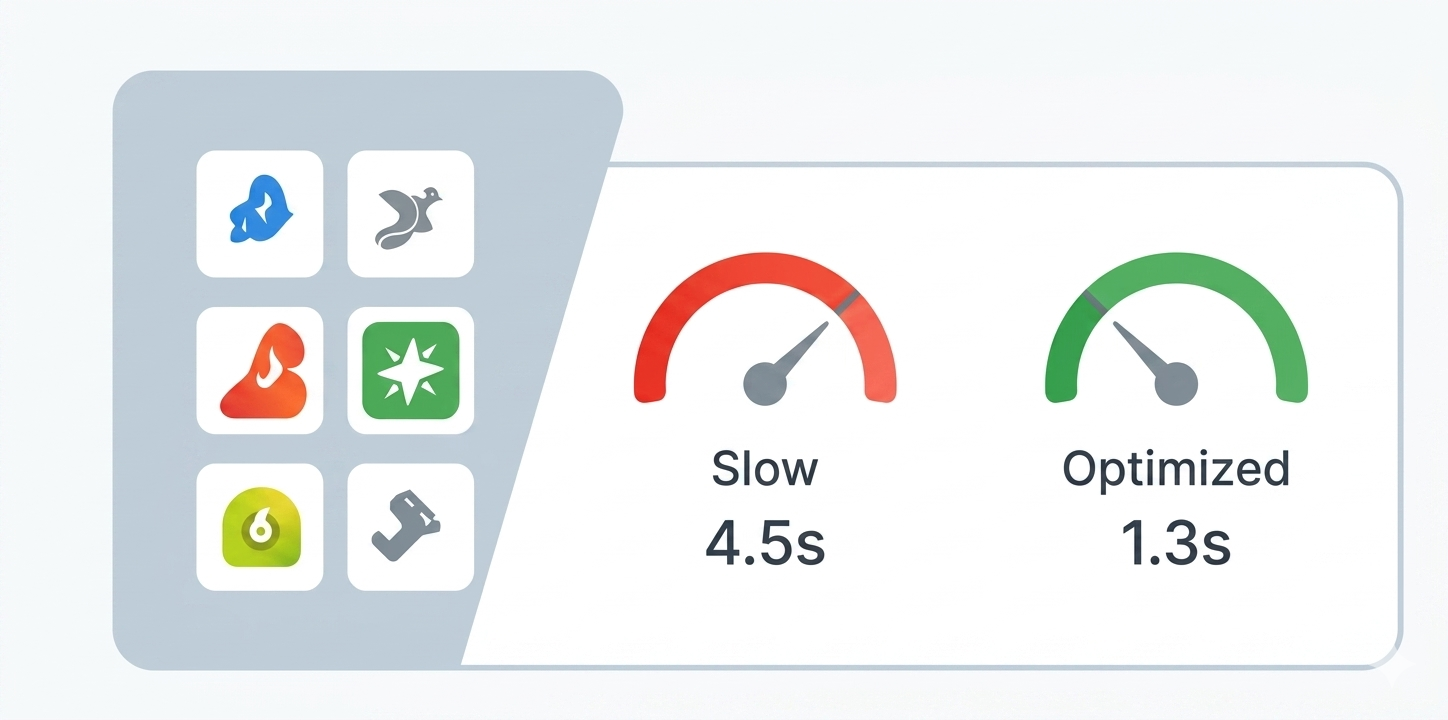
Too many apps can impact your store speed.

  • Remove unused apps.
  • Use only essential apps.
  • Check app impact on speed before installing.
Check app impact on speed before installing

4. Minify CSS, JavaScript & Liquid

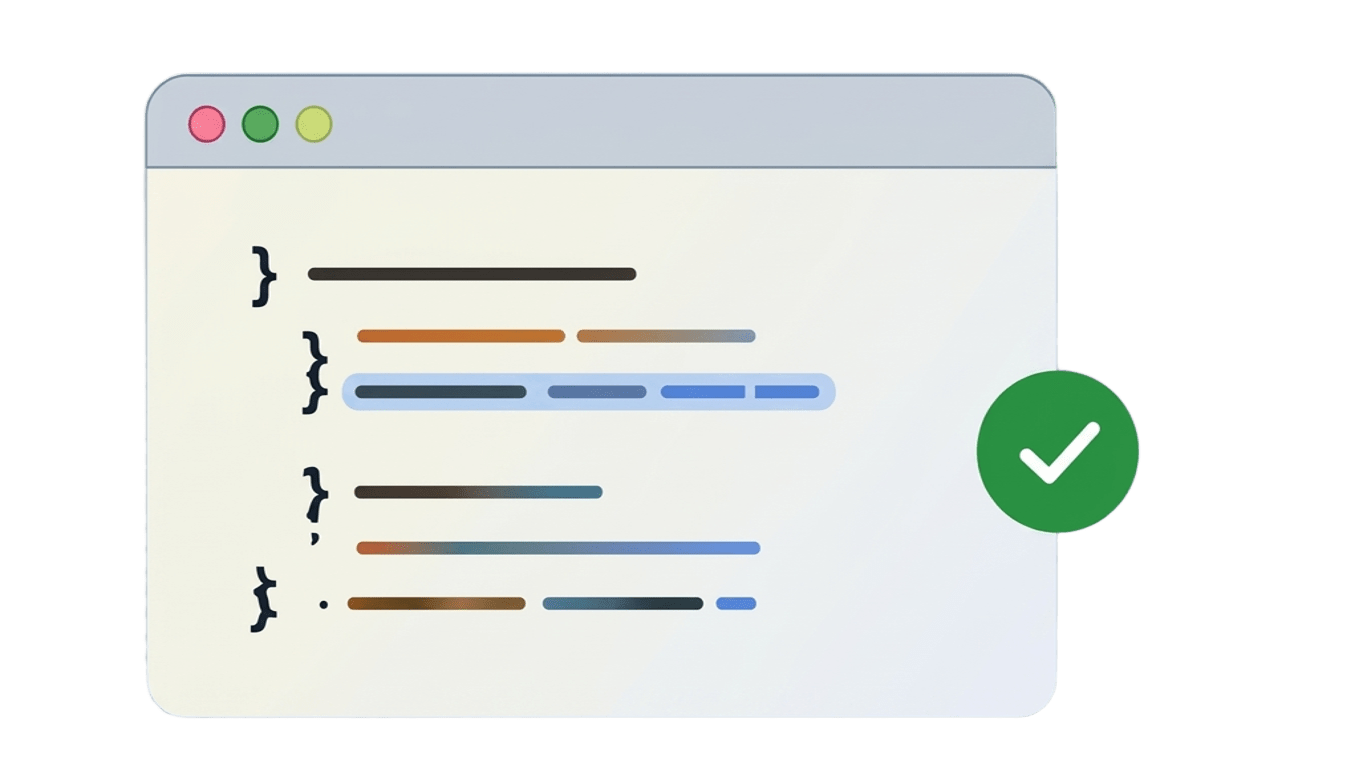
Minifying your code removes unnecessary spaces and comments.

  • Use apps like TinyIMG, PageSpeed Ninja or Speed Booster.
  • Minify CSS, JS and Liquid files.
  • This can significantly reduce load time.
This can significantly reduce load time

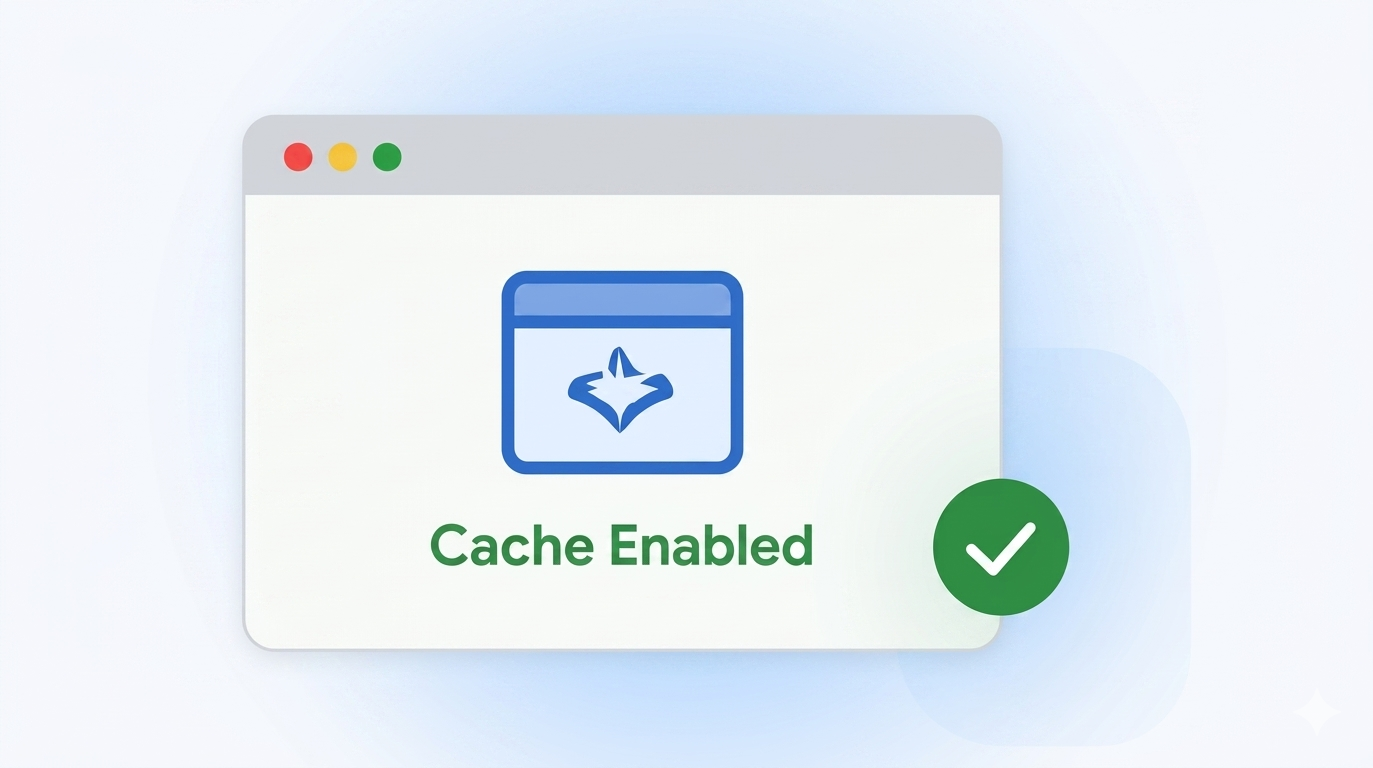
5. Enable Browser Caching

Browser caching helps returning visitors load your store faster.

  • Enable caching for images, CSS, JS and other assets.
  • You can do this through.htaccess or apps.
  • It reduces server load and improves speed.
It reduces server load and improves speed

Additional Quick Tips

use a fast hosting provider

Enabled GZIP compression

reduce redirects

remove render-blocking resources

FAQ

Improve Shopify store speed by using a lightweight theme, compressing images, removing unused apps, minimizing JavaScript and CSS, enabling lazy loading, optimizing fonts, and reducing third-party scripts. Regularly test your store with Google PageSpeed Insights to identify performance issues affecting Core Web Vitals.
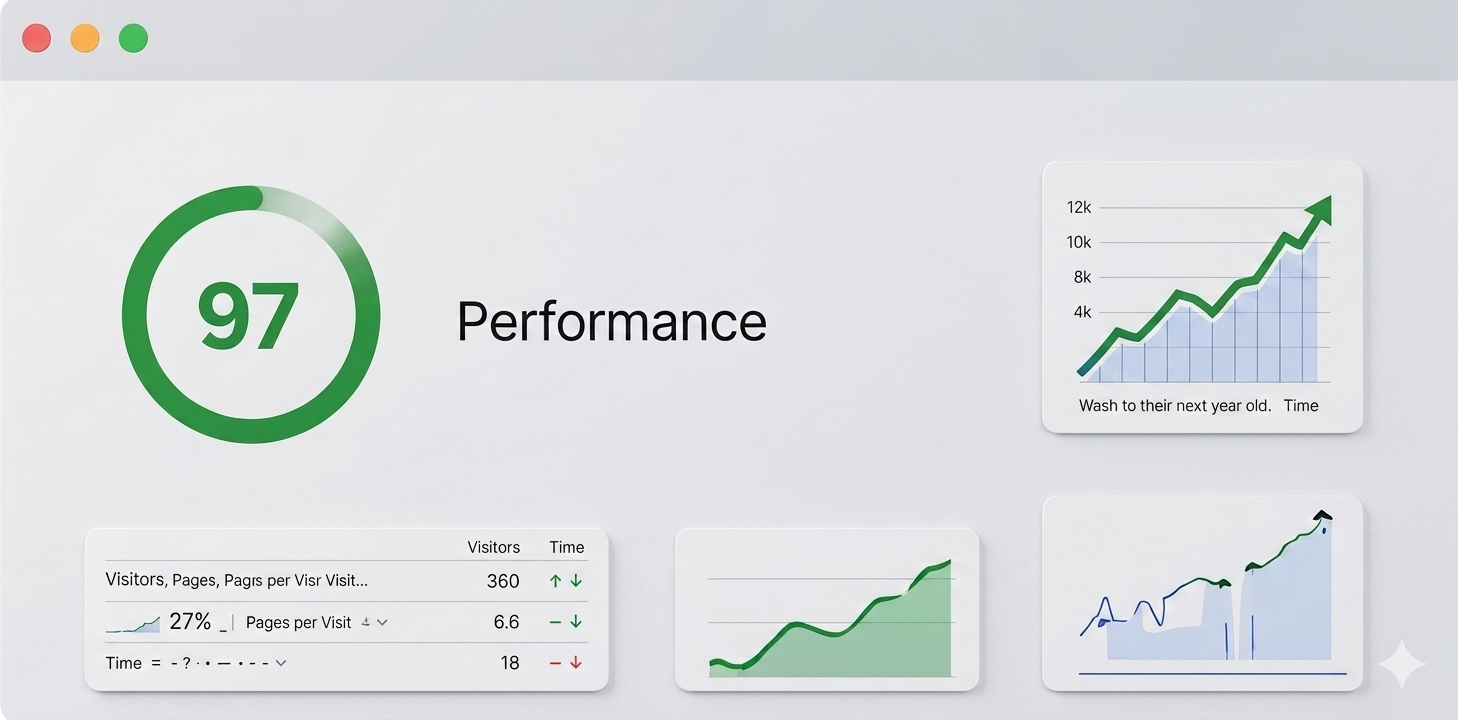
A good Shopify speed score is typically above 80 in Google PageSpeed Insights, but real user metrics such as Largest Contentful Paint (LCP), Interaction to Next Paint (INP), and Cumulative Layout Shift (CLS) are more important than the overall score. Focus on passing Core Web Vitals for better SEO and user experience.
Yes. Shopify page speed is a ranking factor through Google's Core Web Vitals. Faster websites improve user experience, reduce bounce rates, increase conversion rates, and can contribute to better visibility in Google Search and AI-powered search results.
Apps that load multiple JavaScript files, tracking pixels, popups, chat widgets, reviews, sliders, and page builders can slow down a Shopify store. Remove unused apps and audit third-party scripts regularly to improve loading speed.
Use modern image formats like WebP or AVIF, resize images before uploading, compress large files, enable lazy loading, and avoid oversized banner images. Optimized images reduce page weight and improve Shopify loading speed.
Core Web Vitals measure loading performance, responsiveness, and visual stability. The key metrics are Largest Contentful Paint (LCP), Interaction to Next Paint (INP), and Cumulative Layout Shift (CLS). Improving these metrics helps Shopify stores rank better and provide a smoother shopping experience.
Review Shopify performance after installing new apps, updating themes, adding custom code, or launching new marketing tools. Performing a monthly speed audit helps maintain fast loading times and healthy Core Web Vitals.

Get A free
shopify speed audit

find out what's slowing down your store and how we can make it faster.

get free audit Get A free shopify speed audit

lets build a high-performance shopify store

from speed optimization to custom development. we help you grow your business.

  • Expert shopify developers.
  • high-performance stores.
  • ongoing support
start your project

Share On

Ready to Build or Improve Your Shopify Store?

Work with expert Shopify developers to grow your eCommerce business faster