What You'll Learn in This Guide
- SEO Risks in Migration
- Pre-Migration SEO Checklist
- URL Mapping & Redirects
- Technical SEO Setup on Shopify
- Content & Metadata Migration
- Apps to Help Your Migration
- Post-Migration SEO Checklist
- Common Mistakes to Avoid
Migrating your online store to Shopify can unlock better performance, scalability, and ease of management—but if handled incorrectly, it can also lead to a significant loss of organic traffic and search rankings. This complete guide explains how to migrate to Shopify without losing SEO by covering planning, URL mapping, redirects, metadata, technical SEO, testing, and post-launch optimization. Follow this proven checklist to protect your rankings while building a stronger Shopify store.
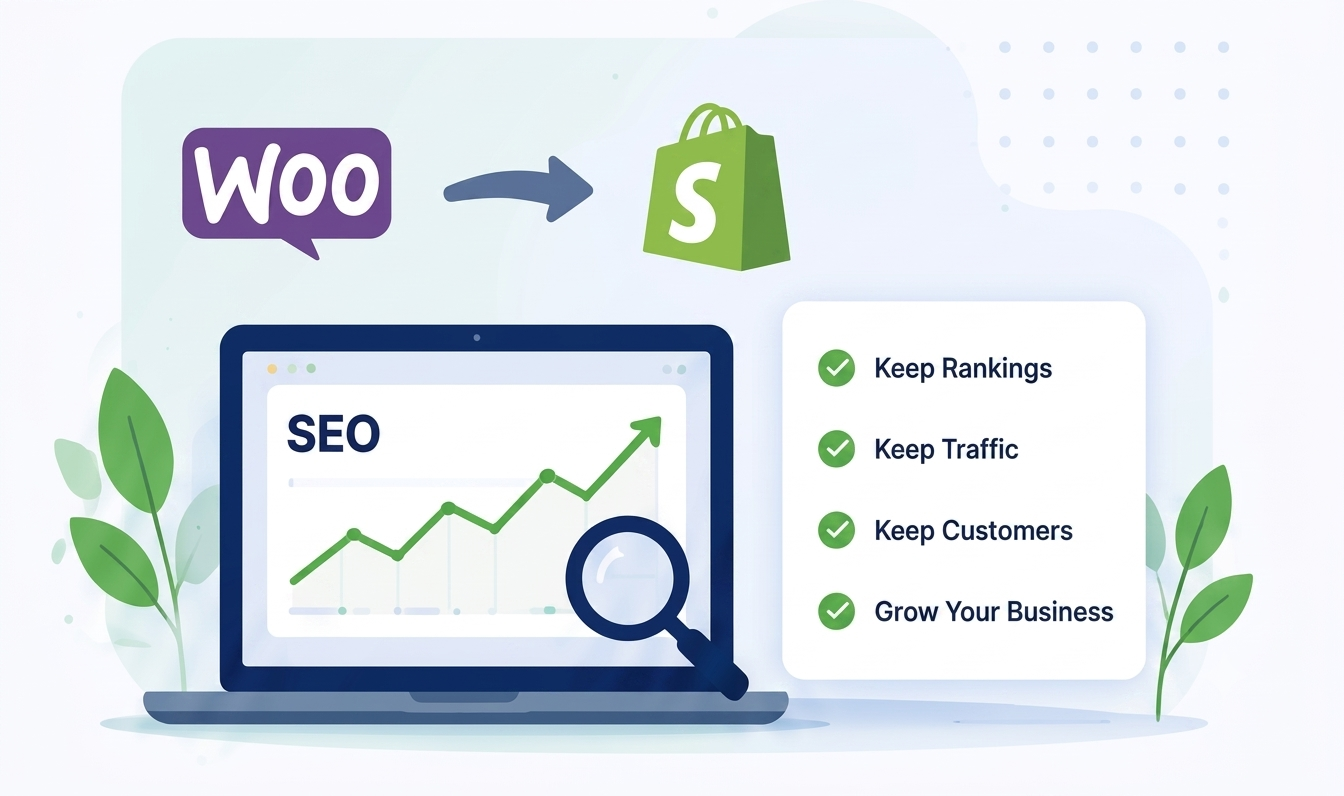
Migrating an eCommerce website is one of the most important technical projects for any online business. Whether you`re;re moving from WooCommerce, Magento, BigCommerce, OpenCart, PrestaShop, Wix, Squarespace, or another platform, your goal should be to improve your store without sacrificing the SEO performance you`ve already earned.
Many businesses experience ranking drops after migration because important SEO elements are overlooked. Missing redirects, broken internal links, duplicate content, or poorly optimized metadata can reduce visibility in search engines and impact sales.
The good news is that these issues are preventable. With the right migration strategy, you can move your store to Shopify while preserving your organic traffic, maintaining search rankings, and providing a seamless experience for your customers.
This guide walks you through every stage of the migration process, from planning and technical preparation to post-launch monitoring, so you can transition confidently and minimize SEO risks.
A successful Shopify migration requires more than moving products and pages. You must preserve your existing SEO by auditing your current website, mapping URLs, implementing 301 redirects, transferring metadata, maintaining structured data, testing thoroughly, and monitoring search performance after launch. A well-planned migration helps retain rankings, protect organic traffic, and ensure a smooth customer experience.
Explain:
Discuss:
Include:
Cover:
Discuss:
Recommend:
Explain why every indexed URL matters.
One of the most important sections.
Explain:
Discuss:
Cover:
Explain preserving:
Discuss:
Include:
Checklist:
Discuss:
Explain:
Discuss:
Create a printable checklist covering:
Migrating to Shopify is more than transferring data—it’s about protecting the SEO authority you`ve built over time while taking advantage of Shopify’s powerful eCommerce platform. A successful migration requires planning, careful execution, and continuous monitoring after launch.
By auditing your current website, preserving metadata, implementing accurate 301 redirects, testing every critical element, and monitoring performance in Google Search Console, you can significantly reduce migration risks and maintain your organic visibility.
If you're unsure about handling a migration yourself, working with experienced Shopify migration specialists can save time, prevent costly mistakes, and help ensure a smooth transition with minimal impact on your search rankings and revenue.
Learn how to migrate to Shopify without losing SEO rankings, traffic, or valuable backlinks.
Get Free Quote
Work with expert Shopify developers to grow your eCommerce business faster